

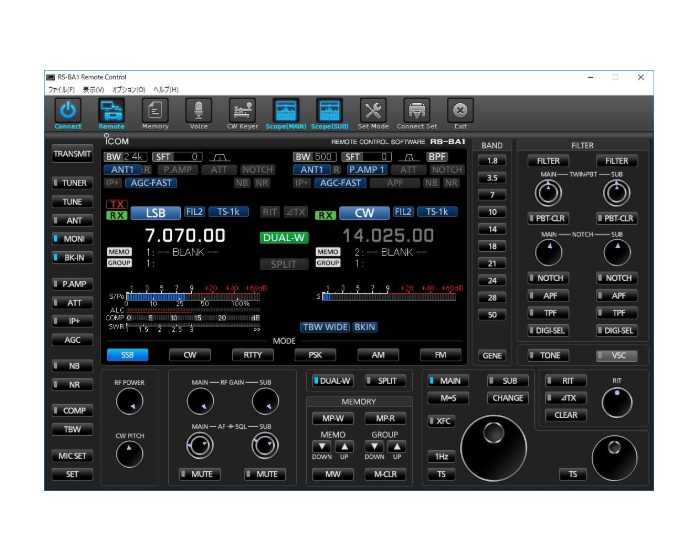
Control software Download
| Download Type | Control software |
|---|---|
| Model name | RS-BA1 Version 2 |
| Version | Version 2.81 |
| Update | 2026/06/16 |
| Major changes | Changes from Version 2.80 – Fixed a bug in Windows 11 where the virtual driver installation would fail under certain conditions |
| Note | To update the firmware • Execute the Update.exe extracted from the downloaded file on the PC that has an older RS-BA1 Version 2 installed. Then follow the instructions displayed on the screen. Notes • This update cannot be applied to the RS-BA1 (Version 1.**). • The revised manual is also downloadable from the link below. • The USB 3.0 driver for your transceiver can be downloaded on its Support/Download page. • The firmware for the RC-28 is downloadable here. • Merge (double-click) the ‘Recover_Setup_Rsba1_Control.reg’ and ‘Recover_Setup_Utility.reg’ extracted registry files ONLY when you need to initialize the settings of the RS-BA1. • The software will be updated to the following versions. Remote control: Version 2.81 Remote utility: Version 2.26 |
| File Size | 25.96MB |
| File Type | zip |
| Manual | manual download page |
https://www.icomjapan.com/support/firmware_driver/4676